

DisplaySwitcher
Switch monitor inputs and transfer text and files between computers
About DisplaySwitcher
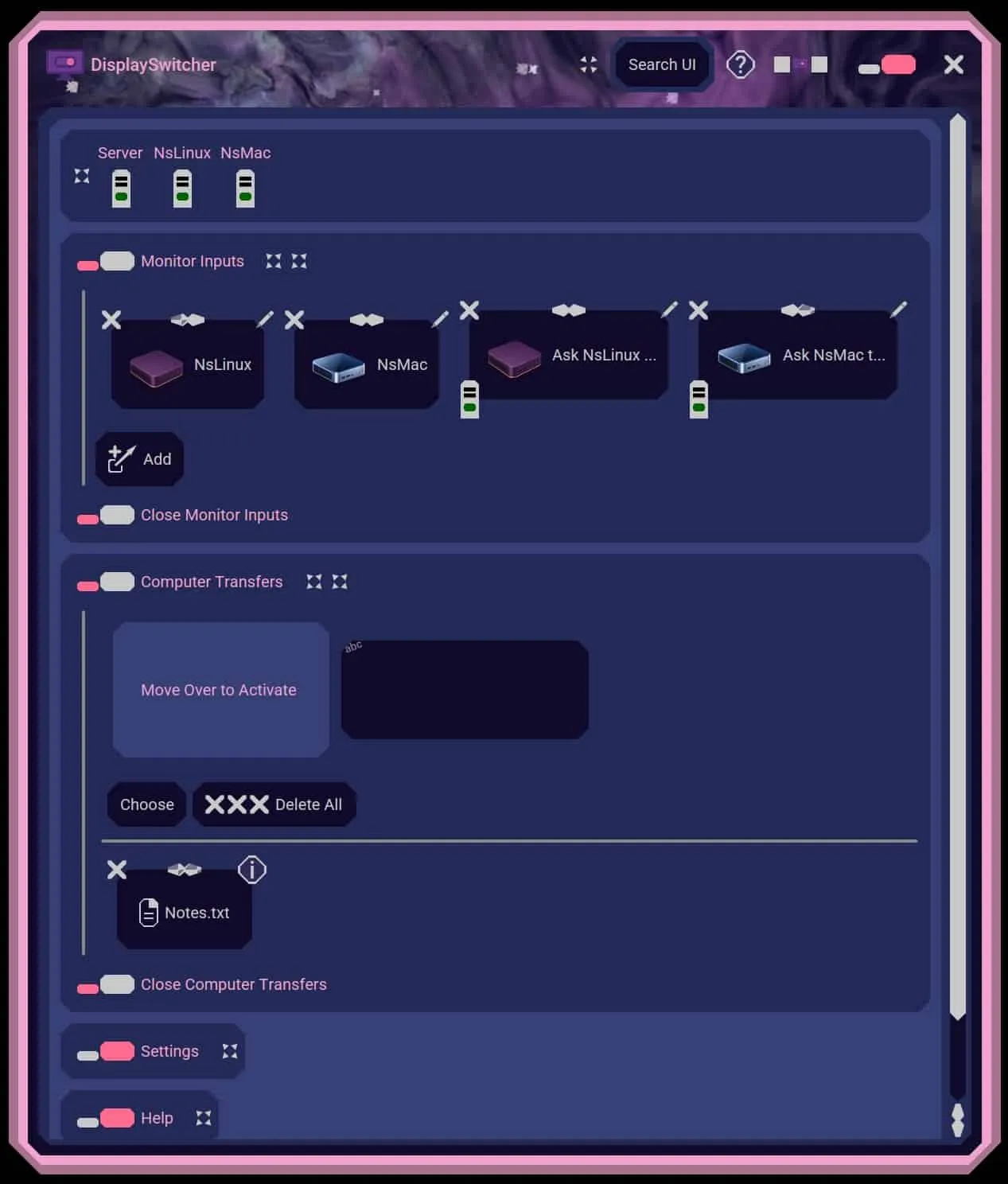
DisplaySwitcher is a desktop application for Linux, macOS, and Windows that combines monitor input switching with text and file transfers between computers. Switch a monitor’s video input with a software button instead of reaching for its physical controls. If one computer cannot switch the monitor directly, another connected computer capable of switching it can perform the action. Transfer text and files between computers using cut-and-paste, drag-and-drop, or file browsing, including across different operating systems. No network or firewall configuration necessary. Designed for people working with multiple computers, including developers, IT professionals, and home office users. DisplaySwitcher costs $5.95 per month and includes a one-month free trial.
Reviews
Sign in to review this product
Sign In
I’m Boyd, the developer of DisplaySwitcher. I created it after finding that Dell’s display switching application did not support macOS in my setup, leaving me using the monitor’s physical buttons to switch back to Windows. I develop across Linux, macOS, and Windows, and now use DisplaySwitcher to switch monitor inputs and transfer text and development files between those computers.