

Velprove
Uptime monitoring that logs into your app like a real user and catches the outages pings miss
About Velprove
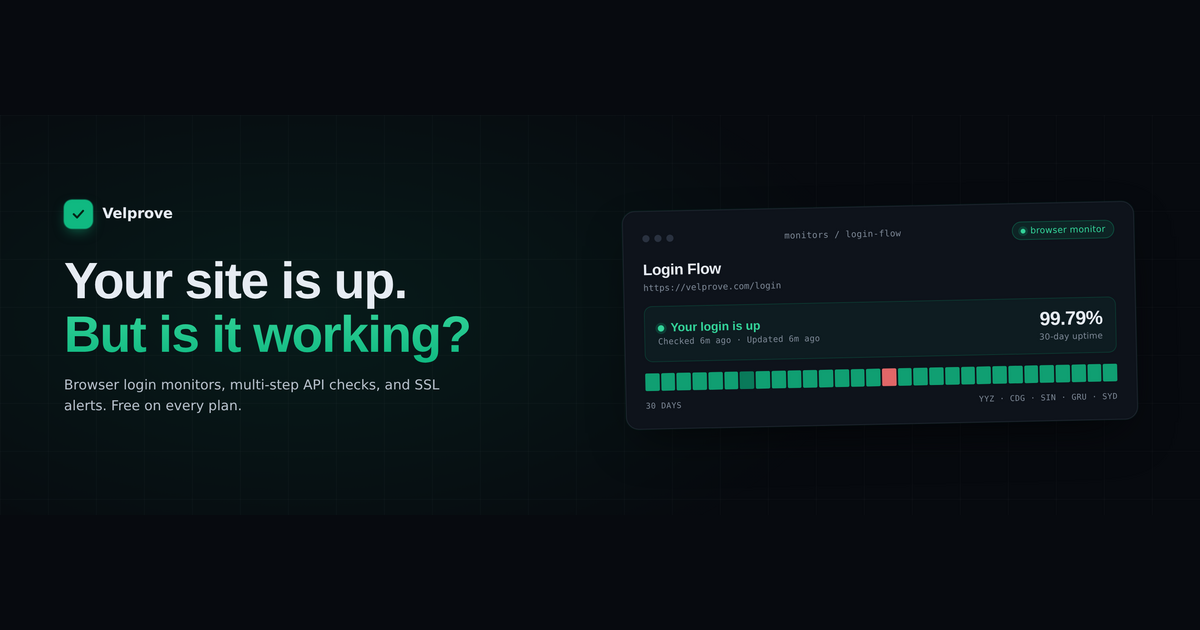
Velprove tells you whether your web app actually works, not just whether the server returned a 200. Most uptime tools ping a URL and stop. That misses the outages that cost revenue: a broken login, a checkout that times out, an API that returns 200 with an empty body. ## Four monitor types, all on the free plan - HTTP and Ping for availability and response time. - API monitors that assert on status code, body, headers, response time, and JSON paths. - Multi-step API monitors that chain requests to test a full workflow like auth or checkout (3 steps Free, 5 Starter, 10 Pro). - Browser login monitors: Velprove opens a real browser, signs in, and confirms authentication succeeded, capturing a screenshot the moment it fails. ## Why Velprove The browser login monitor is the difference. A real-browser login test available on a free plan is rare, and it catches the failures a status-code ping never sees: expired sessions, broken redirects, a login form that silently stopped working. Alerts route to email, Slack, Discord, Microsoft Teams, webhooks, and PagerDuty, with a failure threshold so a single blip never wakes you. Publish public status pages, monitor from 5 global regions, and keep detailed history and trends for SLAs and postmortems. ## Plans Free $0 (10 monitors), Starter $19/mo (30), Pro $49/mo (100, custom-domain status pages, PagerDuty, priority support). No credit card required, and the free plan never expires. Built for solo founders, small SaaS teams, DevOps, and agencies running revenue-critical sites and APIs.
Reviews
Sign in to review this product
Sign In
Maker here, so read this as a founder note, not a neutral review. I built Velprove because our own uptime dashboard kept showing 100% green while real users could not log in. A 200 OK does not mean your app works. What it does well: it opens a real browser, signs in like an actual user, and tells you the moment authentication breaks. It also runs API and multi-step workflow checks for the paths that actually generate revenue. Browser login monitoring is included on every plan, including free, which is the part I am most proud of, since that capability is usually paywalled or not offered at all. What it is not: it is new. The feature set is smaller than enterprise suites, there is no native mobile app yet, and there are no meaningful reviews yet because real usage is still growing. That is exactly why I am sharing this openly instead of pretending otherwise. If you run a site, SaaS, or store with a login or checkout and no QA team watching it, try the free plan and tell me where it breaks. Honest criticism is more useful than praise.